
Point of Sale Software in Uganda

Complete Guide to Choosing
the Right POS System

Finding reliable point of sale software in Uganda can transform how you run your business. Whether you’re managing a retail shop in Kampala, a pharmacy in Entebbe, or a supermarket in Mbarara, the right POS system helps you track sales, manage inventory, and grow your profits—even when the internet goes down. In this guide, we’ll show you what to look for in point of sale software and how to choose a POS that actually works for your business.

Why Point of Sale Software
Matters for Ugandan Businesses

Running a business in Uganda comes with unique challenges. Power cuts, internet interruptions, and the need to manage multiple currencies or payment methods are daily realities. Traditional cash registers or manual record-keeping simply can’t keep up with modern business needs.

Problems Ugandan business
owners face without proper POS software:

Stock disappears without explanation

Without real-time inventory tracking, theft and loss go unnoticed until it's too late

No clear picture of daily sales

Relying on manual counting and books means you never really know if you're making profit

Staff accountability issues

When multiple people handle cash, it's difficult to identify who made mistakes or where money went missing

Time wasted on manual tasks

Counting inventory, writing receipts by hand, and calculating sales reports takes hours every week.

What good point of sale software does for you:

Modern POS software built for Uganda solves these problems by giving you complete control over every aspect of your business. You can see what’s selling, what’s not moving, who’s buying, and which staff members are performing best—all from one dashboard.

Essential Features
Your Point of Sale Software in Uganda Must Have

Not all POS systems are created equal, especially in the Ugandan context. Here’s what you need:
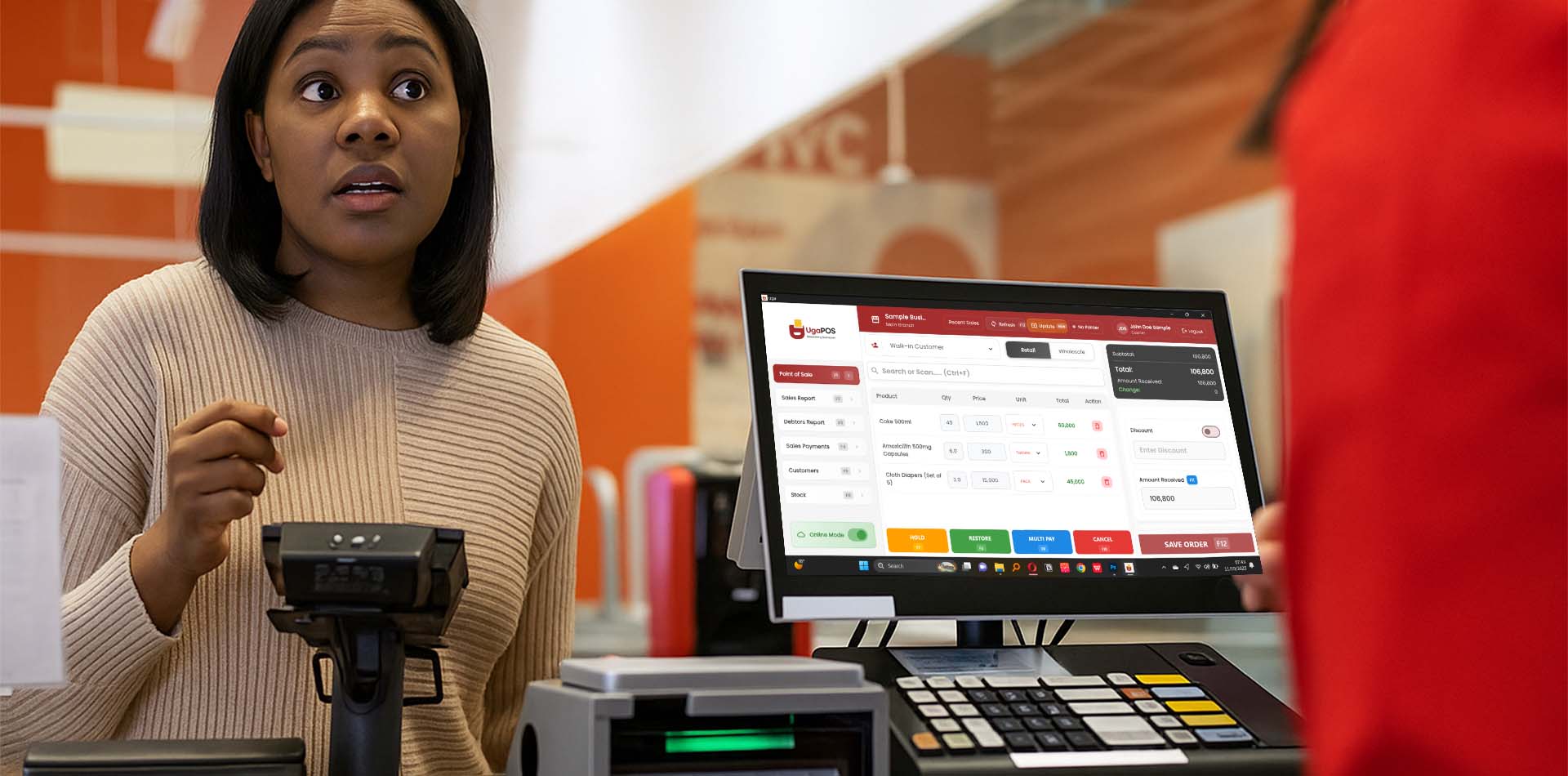
Point of Sale Software in Uganda

1. Offline Mode

Internet reliability in Uganda varies greatly. Your POS software in Uganda must continue processing sales, printing receipts, and tracking inventory even without internet connection. When connectivity returns, all data should sync automatically to your cloud backup.

Why this matters: During a busy afternoon rush, you can’t afford to turn customers away because your internet is down. Offline capability means business continues normally regardless of connectivity.

2. Inventory Management

Your point of sale software should automatically update stock levels with every sale. You need:

  • Low stock alerts when products reach minimum levels
  • Automatic reorder suggestions based on sales velocity
  • Product variation tracking (different sizes, colors, packaging)
  • Barcode generation for products without them
  • Stock movement logs showing what came in and went out

3. Multi-User Access

If you have staff, you need control over who can access what. Your POS should let you:

  • Create different user roles (cashier, manager, admin)
  • Track which staff member made each sale
  • Restrict access to sensitive reports or settings
  • Monitor staff performance and identify top sellers

Why UgaPOS is Uganda's Most Trusted Point of Sale Software

UgaPOS was built specifically for Ugandan businesses, by people who understand the local market. Here’s what makes it different:

Built for Ugandan Conditions

Unlike international POS systems that assume constant internet and power, UgaPOS was designed from day one to handle Uganda's infrastructure realities. The offline mode isn't an afterthought—it's a core feature that has been tested and proven in hundreds of Ugandan shops.

Local Support in Kampala

When you have a problem, you can call a Ugandan support team that understands your business context. No dealing with overseas call centers or waiting days for responses. We offer: Phone support in English and Luganda On-site training in Kampala and major towns Quick response times (usually within hours) Remote assistance when needed

Affordable for SMEs

Most international POS software charges in dollars and requires expensive hardware. UgaPOS offers flexible pricing in Ugandan Shillings with payment plans that work for small businesses. You don't need to spend millions on hardware—our software works with affordable local computers and printers.

Proven Track Record

Over 500 Ugandan businesses already trust UgaPOS, from small dukas to large pharmacies and supermarkets. Our customers report: 40% reduction in time spent on inventory management 95% reduction in stock discrepancies Identification of theft and losses within the first week Better cash flow through credit tracking

Our Happy Clients!

" Ever since I started using UgaPOS in my baby shop, everything changed! I can now clearly see my profits every day — I know how much I’m making, what’s selling fast, and where my money is going. No more guesswork or confusion with books......"
Nambogwe Jemimah
Jemimah's Baby Shop Jinja
" I can not be anymore happier with the service I recieved I plain on being a long time customer, thanks for developing such an amazing pos to help my business "
Richard Morency
Spence's Drinks Depot
I’ve been using UGAPOS in my hardware shop and it’s been a game-changer. It’s easy to use, helps me manage stock and sales efficiently, and the support team is always friendly and quick to help...
Namukwaya Rehema
Reyrah Hardware

How to Choose the Right
Point of Sale Software in Uganda

Follow these steps to make the right decision:

Step 1: List Your Must-Have Features

Write down the top 5 problems you need solved. Is it inventory tracking? Staff accountability? Credit management? Knowing your priorities helps you evaluate options.

Step 3: Test the Offline Capability

Don't just take the vendor's word for it. Ask for a live demo and have them disconnect the internet to show you how offline mode works. This is critical in Uganda.

Step 5: Calculate Total Cost

Look beyond the monthly subscription. Consider: Hardware costs (computer, receipt printer, barcode scanner) Training fees Setup and installation Ongoing support costs

Step 2: Consider Your Business Type

Different businesses have different needs. Retail shops need fast checkout, barcode scanning, customer tracking. Pharmacies require batch/expiry tracking. Supermarkets need multiple payment methods, loyalty programs

Step 4: Check Local Support Options

Ask where the support team is based, what languages they speak, and what the typical response time is. Local support makes a huge difference when you need help urgently.

Step 6: Request a Trial

Any good POS provider should offer a free trial or demo. Test it in your actual shop environment with your staff before committing.

Frequently Asked Questions

Take the Next Step

Stop losing money to poor record-keeping, stock theft, and manual processes. Join over 500 Ugandan businesses that have transformed their operations with UgaPOS.
Scroll to Top